
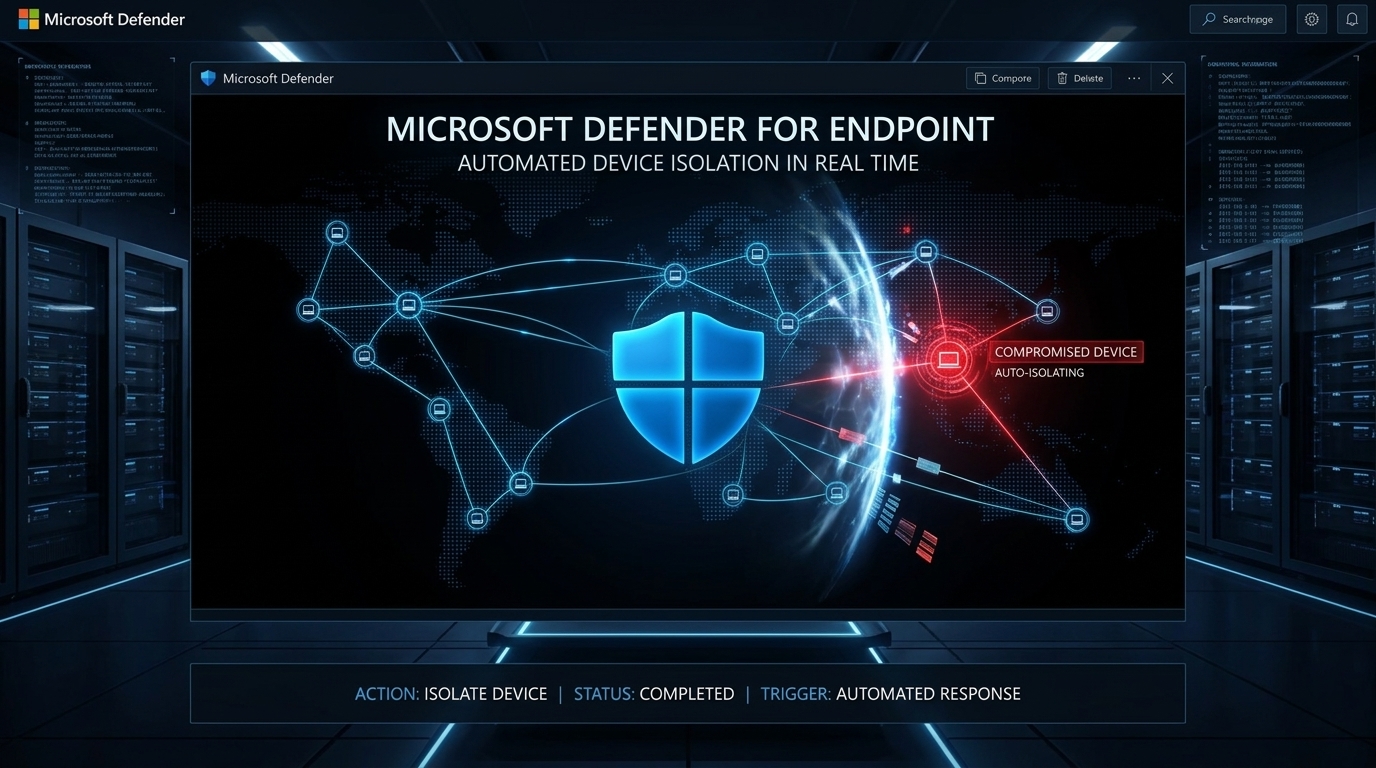
Microsoft Defender for Endpoint Now Automatically Isolates Compromised Devices to Stop Ransomware
Microsoft Defender for Endpoint has rolled out automatic device isolation, a zero-wait containment capability that cuts a compromised workstation off from the network the instant a high-confidence attack is confirmed, no human approval required. The feature is currently available in preview and operates under Microsoft’s broader Automatic Attack Disruption framework inside Microsoft Defender XDR.
For Canadian organizations that depend on the Microsoft security stack, this is a meaningful shift in how fast a breach can be contained before it becomes a crisis.
What the Feature Does and How It Works
When Defender for Endpoint detects an active attack with sufficient confidence, such as a ransomware propagation attempt or credential harvesting linked to a Business Email Compromise (BEC) campaign, it immediately disconnects the affected workstation from the rest of the network. The isolation is surgical: the device loses broader network access, but its communication channel back to the Defender for Endpoint service stays open. Security analysts retain full telemetry and can continue investigating the machine remotely even while it is locked down.
The underlying engine, Automatic Attack Disruption, works in three distinct stages. First, it correlates signals across endpoints, email, identity platforms, and SaaS applications to build a single, high-fidelity incident view. Second, it identifies which assets the attacker controls or has compromised within the attack chain. Third, it triggers automated containment actions scoped only to those implicated devices, not the entire environment.
This precision matters. A broad network lockdown during a production incident can cripple business operations. By targeting only confirmed-compromised workstations, the feature limits collateral damage while still cutting off the attacker’s movement.
Attack Types Covered
Automatic Attack Disruption currently addresses three attack categories where speed of containment is most critical:
- Human-operated ransomware: attackers who manually navigate the environment to maximize encryption damage before detection
- Business Email Compromise (BEC): account takeovers are used for financial fraud or data theft
- Adversary-in-the-Middle (AiTM) attacks: session hijacking campaigns that bypass multi-factor authentication
In all three cases, every minute of uncontained access multiplies the damage. Automating isolation removes the window that attackers depend on between initial detection and analyst response.
Built-In Safeguards Against Operational Disruption
Microsoft has embedded several controls to prevent the feature from becoming a business liability:
- Time-limited isolation: devices are not permanently cut off; isolation automatically reverses after a defined window
- Manual override: security operators can release a device at any point once investigation and remediation steps are confirmed
- Scoped targeting: only devices directly tied to the confirmed attack chain are isolated
- Exclusion policies: organizations can pre-configure critical machines to receive selective isolation rather than full network disconnection, protecting assets that cannot tolerate interruption
After isolation is applied, the full activity trail is visible in the Microsoft Defender portal. The Activities tab logs each isolation and release event, including the timestamp, the triggering alert, and the automated action source. The Action Center maintains a historical record with status indicators for each action taken.

Scope and Current Limitations
The automatic isolation capability applies only to end-user workstations that are onboarded and actively managed by Microsoft Defender for Endpoint. It does not currently cover servers or unmanaged devices. Organizations with hybrid environments or unmanaged assets in scope should note this boundary and apply compensating controls elsewhere.
The feature remains in public preview at the time of publication. Preview features in the Microsoft Defender ecosystem are generally available to organizations with a Microsoft Defender for Endpoint Plan 2 or Microsoft 365 Defender E5 licensing tier.
Canadian Impact and CCCS Context
Ransomware continues to be the top cyber threat facing Canadian organizations, according to the Canadian Centre for Cyber Security (CCCS). Canadian healthcare providers, municipalities, law firms, and financial institutions have all been targeted by human-operated ransomware groups in recent years. In environments governed by PIPEDA and provincial privacy legislation, an uncontained breach that results in personal data exfiltration can carry significant regulatory and reputational consequences.
Automatic device isolation directly addresses the window of exposure that most ransomware incidents exploit: the gap between first detection and manual analyst response. For Canadian small and mid-size businesses that lack a fully staffed security operations center, an automated containment layer inside a tool they already license can meaningfully reduce breach impact without requiring additional headcount or tooling.
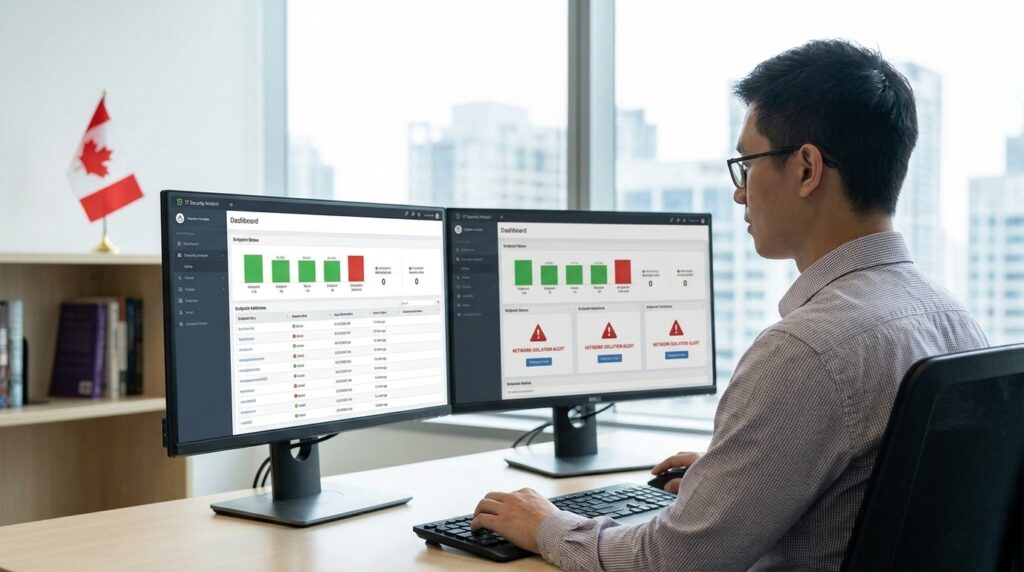
IT teams managing Microsoft-heavy environments in Canadian organizations should validate that Defender for Endpoint onboarding is complete across all user workstations to ensure the feature applies when needed.
Key Takeaways
- Microsoft Defender for Endpoint now automatically isolates compromised workstations as part of its Automatic Attack Disruption framework, currently in preview.
- Isolated devices lose network connectivity but retain a connection to the Defender service, allowing continued monitoring and remote investigation.
- The feature covers human-operated ransomware, business email compromise, and adversary-in-the-middle attacks.
- Isolation is scoped to confirmed-compromised devices only, not the broader network, reducing operational disruption.
- Built-in safeguards include automatic reversal after a time window, manual operator override, and exclusion policies for critical assets.
- The capability applies only to onboarded, managed end-user workstations; servers and unmanaged devices are currently out of scope.
- Canadian organizations subject to PIPEDA and CCCS guidance stand to benefit directly, particularly those without 24/7 SOC coverage.
What You Should Do Now
- Verify your Defender for Endpoint licensing. Automatic attack disruption features require Microsoft Defender for Endpoint Plan 2 or Microsoft 365 E5. Confirm your organization’s tier before enabling preview features.
- Audit workstation onboarding coverage. Automatic isolation only applies to managed, onboarded devices. Run an onboarding status report in the Defender portal to identify any gaps in your endpoint coverage.
- Enable the automatic device isolation preview. Navigate to Microsoft Defender XDR settings and confirm that Automatic Attack Disruption is active and that the device isolation policy is enabled for your tenant.
- Configure exclusion policies for critical assets. Identify any workstations or systems that cannot tolerate a full network disconnection, such as plant floor machines, point-of-sale terminals, or shared reception devices, and apply selective isolation rules before the feature triggers unexpectedly.
- Brief your SOC or IT team on the Action Center workflow. Ensure the staff responsible for incident response knows how to review the Activities tab, validate isolation events, and manually release devices once remediation steps are complete.
- Test the feature in a non-production environment. Use a test device to simulate a detection scenario and validate that isolation, telemetry retention, and release all behave as expected in your specific environment.
- Review your PIPEDA incident response plan. Confirm that your breach notification procedures account for automated containment events and that isolation actions are captured in your incident log for regulatory documentation purposes.