Microsoft 365 Outage Blocks Teams and Office Web Access
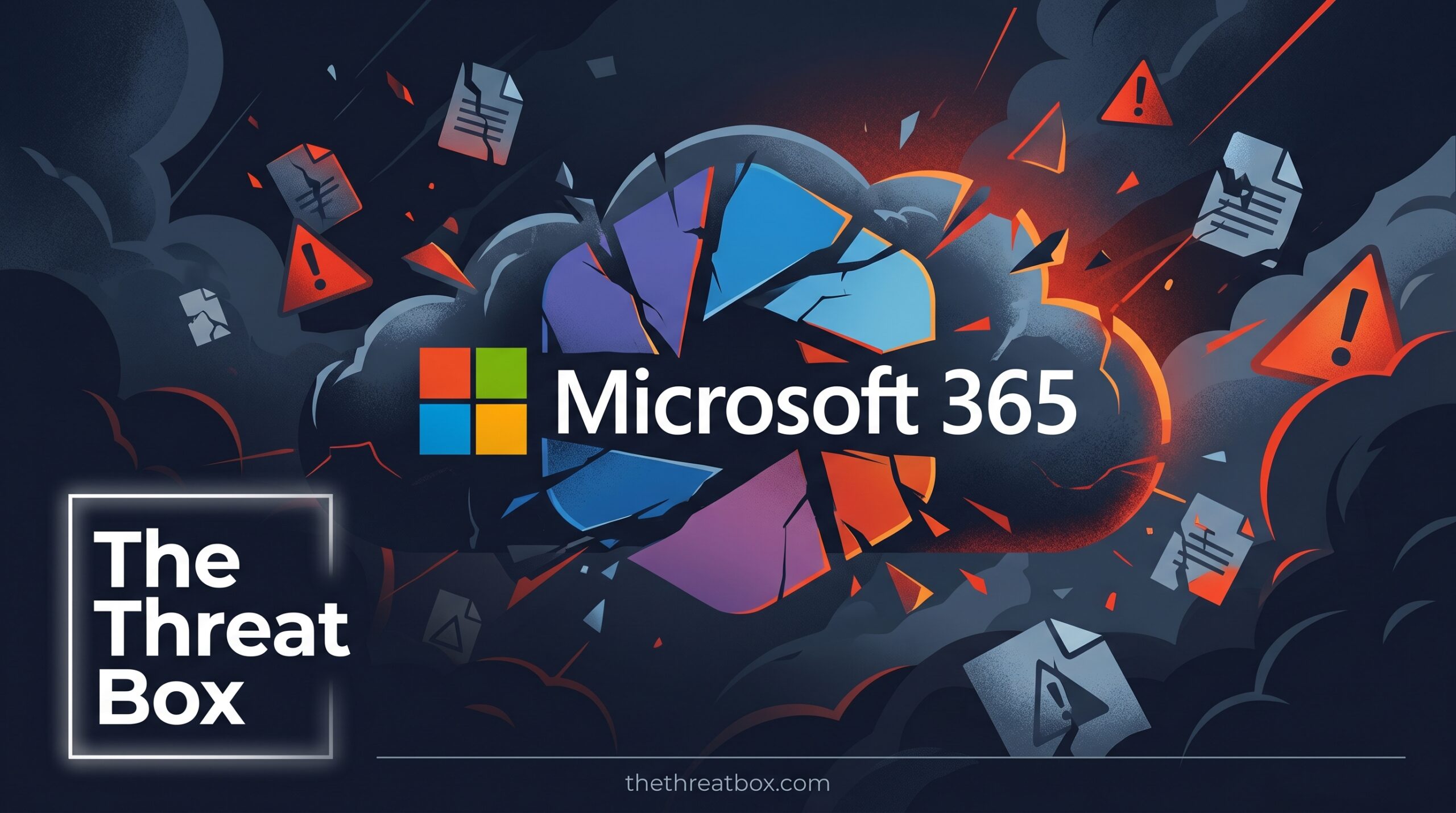
A Microsoft 365 outage struck organizations worldwide on June 1, 2026, blocking users from opening files in Microsoft Teams and Office for the web. Microsoft confirmed the incident through its official Microsoft 365 Status channel on X, directing administrators to incident notice MO1329446 in the Microsoft 365 admin center. For Canadian businesses that depend on cloud-based productivity tools, the timing, on a Monday morning at the start of the workweek, amplified the disruption significantly.
What Broke: File Access Across Core Microsoft 365 Apps
The outage disrupted file-opening capabilities across multiple web-based Office applications. According to Microsoft’s admin center advisory, affected services include Excel for the web and PowerPoint for the web, with Microsoft noting additional Office web apps may also have been impacted. Users who attempted to open documents were presented with a generic error message: “Office Online services aren’t available right now. We’re working to restore all services as soon as possible.”

The disruption extended beyond the browser. Microsoft Teams, which is widely deployed across Canadian enterprises, government agencies, and educational institutions, was also affected, preventing users from accessing embedded documents and shared files within channels and direct messages. Entire collaborative workflows, from real-time document co-editing to file review in active project channels, came to a halt for affected users.
Microsoft’s Investigation and Telemetry Response
Microsoft confirmed it had identified elevated error rates across Office for the web experiences. Engineers began correlating error patterns across service dependencies to determine the next steps required. No formal post-incident root cause analysis was released at the time of writing, and the company did not specify which geographic regions were most affected.
The incident carried the label of “incident” under Microsoft’s service health classification framework, a designation typically reserved for failures with measurable, noticeable user impact. All updates were tracked under reference MO1329446 in the Microsoft 365 admin center.
By the time this report was published, Microsoft had confirmed resolution, stating: “We’ve confirmed that the impact is no longer occurring and the final details are being provided under MO1329446 in the admin center.” No duration or user impact numbers were disclosed publicly.
Canadian Impact: Cloud Dependency and Business Continuity Risk
For Canadian organizations, this outage reinforces a risk that security and IT leaders have been warned about repeatedly: big, often unchecked, dependency on a single cloud provider’s productivity stack.
Microsoft 365 is the dominant productivity platform across Canada, used by federal and provincial government departments, healthcare networks, financial institutions, law firms, school boards, and small-to-medium businesses. When core services like Teams or Office for the web go down, the impact extends far beyond inconvenience. Business-critical workflows stall, real-time collaboration collapses, and in regulated industries, documentation gaps can carry compliance implications.
Under PIPEDA (Personal Information Protection and Electronic Documents Act), Canadian organizations that process personal data through cloud-based systems are responsible for maintaining appropriate safeguards, including operational continuity measures. A cloud outage that disrupts systems handling personal information may not itself constitute a reportable breach, but organizations lacking documented fallback procedures may struggle to demonstrate accountability to regulators or auditors. [Internal link opportunity: PIPEDA compliance guide on thethreatbox.com]
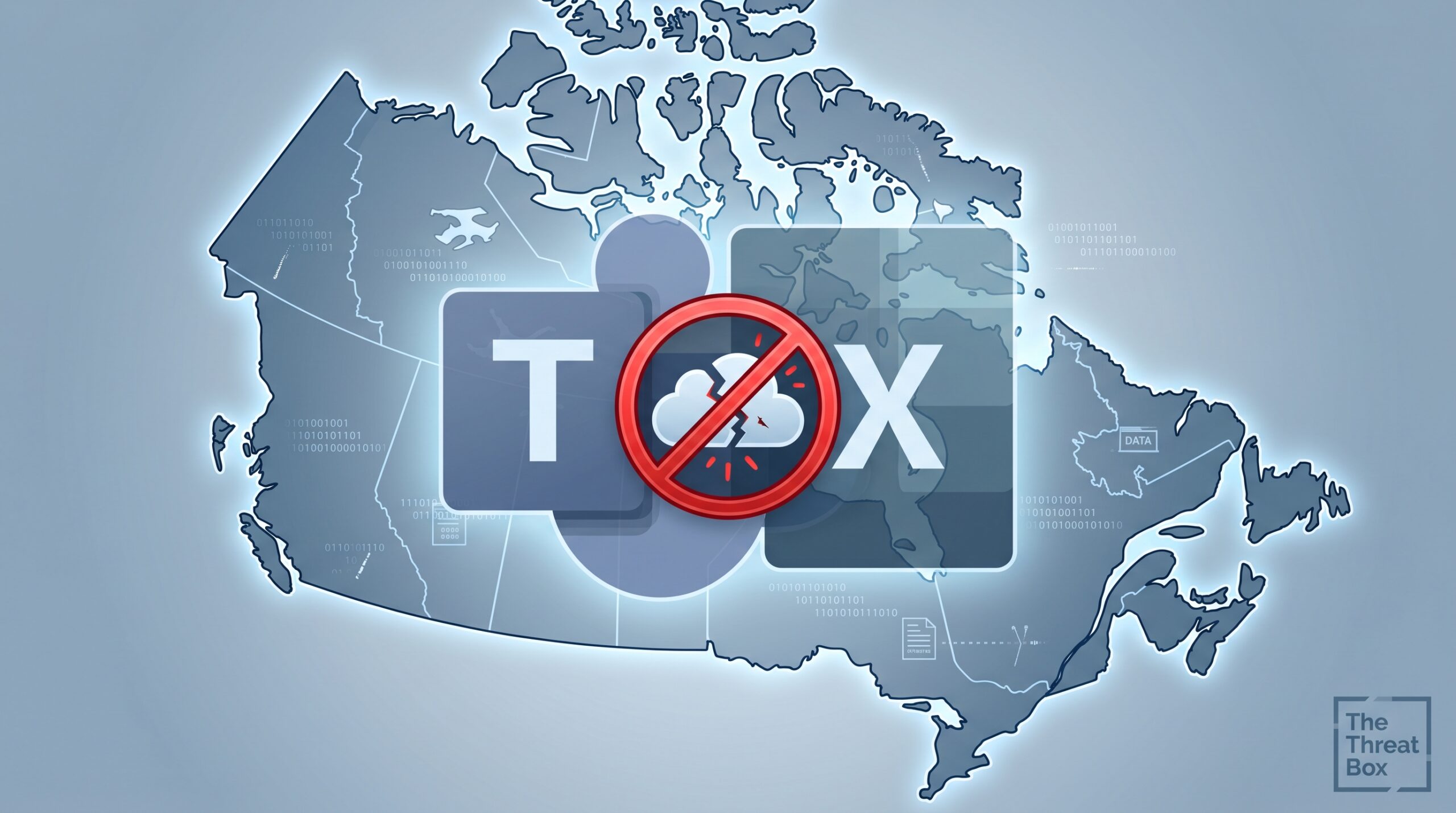
The Canadian Centre for Cyber Security (CCCS) has consistently advised Canadian organizations to build resilience into their cloud strategies, including maintaining offline and alternate-access capabilities for workflows that cannot tolerate downtime. Today’s outage is a direct case study for why that guidance matters.
A Pattern Worth Taking Seriously
This is not an isolated failure. Microsoft 365 has faced repeated service disruptions over recent years. A January 2026 outage affecting North American infrastructure ran for nearly 10 hours, taking down Outlook, Defender, and Purview simultaneously. In early 2025, incidents affected Teams, Exchange Online, and SharePoint at various points throughout the year.
Each outage is eventually resolved, but the pattern presents a systemic risk signal that Canadian IT leaders and managed service providers (MSPs) managing multi-client environments cannot continue to ignore. Cloud uptime guarantees are contractual targets, not operational certainties. Microsoft’s standard business 99.9% SLA translates to roughly 8.76 hours of permitted downtime per year, and a single prolonged incident can consume that entire allowance in one event. [Internal link opportunity: cloud SLA risk analysis on thethreatbox.com]
For Canadian small businesses without dedicated IT support, these outages can have an outsized impact. Many lack the redundancy tools or offline fallback workflows that larger organizations take for granted. This is an area where guidance from CCCS’s small business cybersecurity resources and proactive planning from MSPs can make a real operational difference.
Key Takeaways
- A Microsoft 365 outage on June 1, 2026, prevented users from opening files in Teams and Office for the web, including Excel and PowerPoint web apps.
- Microsoft confirmed the incident under reference MO1329446 and acknowledged elevated error rates across web experiences before engineers worked to isolate the root cause.
- The outage landed on a Monday morning, maximizing operational impact for organizations launching their workweek.
- Microsoft has since confirmed the issue is resolved, with final details posted under MO1329446 in the admin center.
- Canadian organizations relying exclusively on Microsoft 365 for file access and collaboration carry real business continuity risk during cloud service failures.
- Under PIPEDA, organizations should maintain documented continuity procedures for cloud disruptions affecting personal data processing workflows.
- The CCCS recommends building offline and alternate-access capabilities into cloud-reliant operations, guidance that this outage fully validates.
What You Should Do Now
- Check the Microsoft 365 admin center under incident MO1329446 for the final post-incident summary and confirm full restoration for your specific tenant.
- Audit your business continuity plan to verify it explicitly addresses cloud service outages, including scenarios where Teams and Office web apps become unavailable for an extended period.
- Map your critical workflows that currently have no offline fallback and prioritize building contingency access for those processes.
- Train users on desktop and alternate access options, including how to open files directly from SharePoint or OneDrive when browser-based Office access fails and how to use the Teams desktop app as a fallback.
- Document today’s disruption internally, including time of impact, affected users and teams, and any workarounds employed. This supports your PIPEDA accountability posture if cloud workflows involve personal data processing.
- Subscribe to the Microsoft 365 Service Health Dashboard for real-time alerts, or deploy a third-party cloud monitoring platform that can surface outages faster than vendor acknowledgments.
- Brief leadership on cloud concentration risk, particularly if your organization has no secondary collaboration or document access tool in its operational resilience framework.